Coloring book studio
Make a coloring book from one theme
Pick a setting, name two or three characters and the studio draws a whole book around them. Preview every page, move or redraw the ones you don’t like, then download a print-ready PDF.
Studio line art is free to draw and download. AI illustrations are optional and use credits.
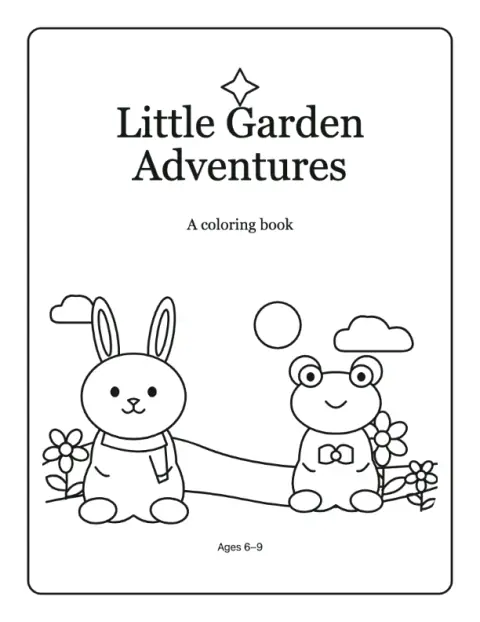
From one theme to a finished PDF
Set the scene
Choose a setting (garden, woodland, space, beach, mountains or a little town), an age range, an art style and 4, 8, 12, 16 or 24 pages.
Meet your cast
The studio suggests characters. Rename them and change their species; they appear on every page, so the book feels like one story.
Preview, edit, download
Flip through the pages, move a page earlier or later, redraw one, undo a change, then download the whole book as a PDF.
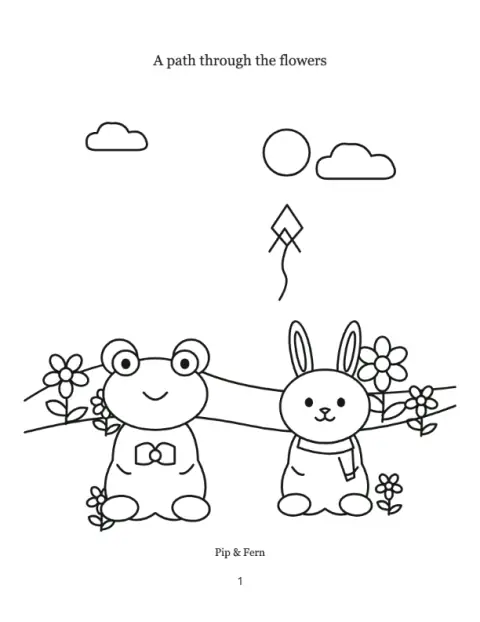
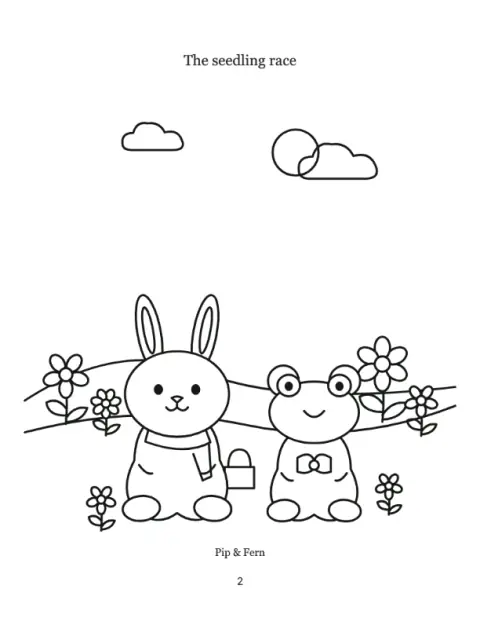
Free line art or AI illustrations
Studio line art
The studio draws each scene with its own built-in drawing code. It uses no credits and needs no account. Three art styles: storybook, kawaii and bold and easy.
AI illustrations
An image model draws a separate picture for the cover and each page from your scene notes. Each picture costs 8 credits, so an 8-page book is 72 credits. Your scene notes and cast details are sent to OpenAI; the studio says so before you start.
Selling it on Amazon KDP
The PDF is US Letter, 8.5 × 11 inches, which is one of the paperback trim sizes Amazon lists. It has no bleed, so keep your own artwork away from the page edge. The studio does not make a KDP cover, so make the cover wrap separately.
KDP paperbacks need at least 24 pages, so count the pages in your PDF before you upload, and choose the 24-page size when you plan to print. If you use AI illustrations, KDP asks you to declare AI-generated images when you publish. Walk through the AI disclosure checklist first, and read how to make a coloring book for KDP for sizes and margins.
Start a coloring book
Studio line art is free. AI costs credits, which you buy once with no subscription: CAD $9 for 25, $19 for 75 or $39 for 200. New accounts get 3 free credits, which is enough for the ebook studio’s outline and first chapter but not for an AI illustration.
- Free line art
- No subscription
- PDF download
Questions
Is the coloring book generator free?
Studio line art is free: you can draw, preview and download a book without credits. AI illustrations cost 8 credits per picture, and credits are sold in packs from CAD $9 with no subscription.
What size is the PDF?
US Letter, 8.5 × 11 inches, with no bleed. It has a cover page followed by the coloring pages, in the 4, 8, 12, 16 or 24 page sizes you choose from.
Do I have to declare AI to Amazon KDP?
KDP asks you to declare AI-generated text, images and translations when you publish. Pictures from the AI illustrations mode are AI-generated. Check Amazon’s own wording before you submit.
Can I change a page I don’t like?
Yes. Redraw a page, move it earlier or later, or undo the change. A redraw with AI illustrations costs 8 credits.
Can I print the pages at home?
Yes. The PDF is a normal US Letter document, so it prints on any home or office printer.