Ebook maker for Amazon KDP
Write your Kindle ebook, export an EPUB for KDP
Outline your nonfiction book, write or generate each chapter, design a cover and export an EPUB. Open it in Kindle Previewer to check it, then upload it to Amazon KDP.
Free to write and export. AI costs credits you buy once, from CAD $9. New accounts get 3 free credits.
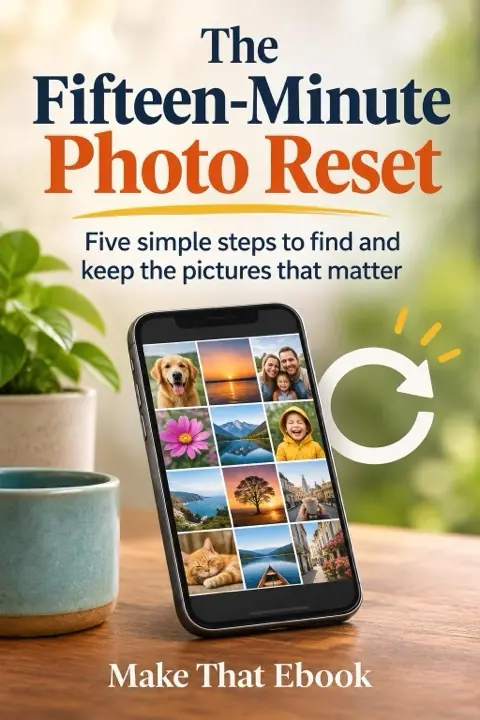
A draft you can take to KDP
Set the chapter plan
Define your reader and what they will learn. Edit the outline before you invest time in the full draft.
Write and revise
Write chapters yourself, or let the AI draft them and rewrite what needs your voice. Check every example and instruction for accuracy.
Export and review
Download the EPUB, then check the cover, table of contents and chapter breaks in Kindle Previewer before you upload.
Before you upload to KDP
Amazon’s help pages suggest DOCX, KPF or EPUB for ebook manuscripts, and recommend Kindle Previewer to check how a file converts and to validate an EPUB. Make that your last step: the preview shows what readers will see on a Kindle.
Two more checks save trouble. First, KDP asks you to disclose AI-generated text, images and translations when you publish, so run through the AI disclosure checklist. Second, price the book with the KDP royalty calculator, which compares the 35% and 70% options for your price and file size.
The studio writes a clean EPUB, but Amazon reviews every book. Treat the export as your draft, not a guarantee of approval.
What it costs
Writing, editing and exporting are free. If you want the AI to draft, the outline costs 1 credit and each chapter costs 2, so a five-chapter ebook with a template cover is 11 credits, or 19 with generated cover art. Credit packs are one-time purchases: CAD $9 for 25 credits, $19 for 75 and $39 for 200. There is no subscription. New accounts get 3 free credits.
New to this? Read how to write an ebook in seven steps, or see how this compares with other AI ebook generators.
Start your Kindle ebook
Open the studio, describe the book and review the outline first. Export an EPUB whenever you like, at no cost.
- Free to write and export
- 3 free credits
- Pay once for AI
Questions
Does Amazon KDP accept EPUB files?
Yes. KDP’s help pages list EPUB, DOCX and KPF as suggested formats for ebook manuscripts. Amazon recommends checking the file in Kindle Previewer first.
Does the studio make a paperback for KDP?
No. The studio exports a PDF, EPUB, Word or Markdown file for the ebook itself. Paperback files need their own trim size, bleed and cover, which the studio does not set up.
Do I have to tell KDP I used AI?
KDP asks you to disclose AI-generated text, images and translations. Text you wrote yourself and only edited with AI is treated as AI-assisted and does not need declaring. Read Amazon’s wording before you submit.
Is the ebook maker free?
Writing, editing and exporting are free. AI drafting uses credits, and new accounts get 3 free credits to try it.