Guide
How to make a coloring book for KDP
A coloring book is a paperback, so the rules that matter are print rules: trim size, bleed, margins and page count. Here is the order to work in, with Amazon’s own numbers.
Amazon rules checked 26 November 2026 Amazon can change them, so confirm on its help pages before you upload.
Five steps
1. Choose a trim size
8.5 × 11 inches is one of the paperback trim sizes Amazon lists, and it is the size the coloring studio uses. KDP paperbacks need at least 24 pages. For 8.5 × 11 with black ink on white paper, the maximum is 590 pages.
2. Decide on bleed and margins
With no bleed, your page size equals the trim size, and artwork should stay clear of the edge. With bleed, images extend 0.125 inch past the trim on the top, bottom and outside edges, so the page is 0.125 inch wider and 0.25 inch taller. The inside margin is at least 0.375 inch for books of 24 to 150 pages, and the outside margin at least 0.25 inch without bleed. Coloring pages with a clear border need no bleed.
3. Build the pages
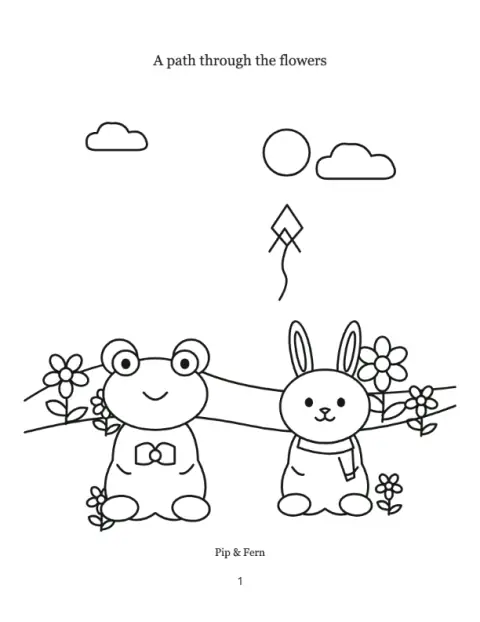
Pick a theme and a cast of characters so the pages feel like one book. In the coloring book generator, choose 4 to 24 pages, preview each, and redraw or reorder the weak ones. The PDF is US Letter with no bleed. Many sellers print on one side only so markers don’t show through, which leaves the back of each page blank.
4. Make the cover and choose an ISBN
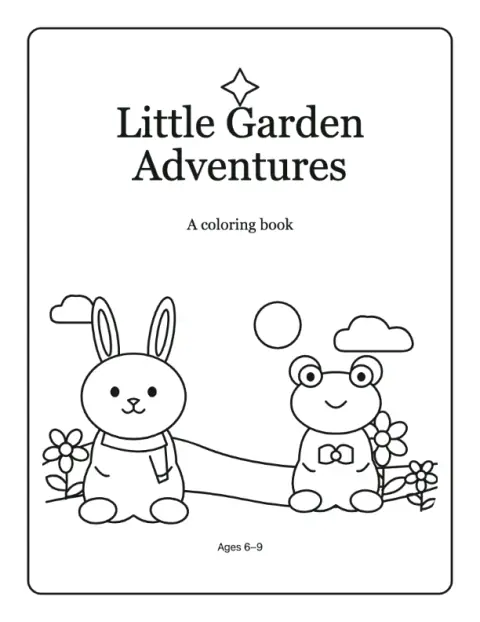
KDP takes the cover as a separate file, which the studio does not make. Amazon’s low-content guidelines list coloring books under “not generally low-content”, so check the ISBN options in the publishing flow.
5. Declare AI correctly
KDP asks you to disclose AI-generated images, including interior art. Pictures from the studio’s AI illustrations mode are AI-generated. Its line art mode is drawn by the studio’s own code rather than an image model. Run the AI disclosure checklist, and read Amazon’s content guidelines.
Build the interior now
Line art is free. AI illustrations cost 8 credits each. Credits are bought once, from CAD $9, with no subscription, and new accounts get 3 free credits.
Questions
What size should a KDP coloring book be?
8.5 × 11 inches is a common choice and is on Amazon’s list of paperback trim sizes. Whatever size you pick, KDP paperbacks need at least 24 pages.
Do coloring books need bleed?
Only if your artwork runs to the page edge. Without bleed, keep artwork inside the margins; with bleed, extend it 0.125 inch past the trim.
Can I use AI-made pages on KDP?
Yes, but KDP asks you to declare AI-generated images when you publish. Check Amazon’s current wording before you submit.